Training | Accessible Documentation | Accens
Accessible Documentation
Length
10 hours (2 days x 5h online)
Next date
16-17th June 2026
Price
1800 PLN net (2214 PLN gross)
Delivery Method
Online instructor-led training via Teams
Location
Your home/office
Language
Polish
Basic information
Who is this training for: technical writers, technical documentation specialists, UX writers, people responsible for creating documents, copywriters, marketers.
Training objective: You will learn how to create and deliver digitally accessible documents.
Duration: 12 clock hours, consisting of 4 modules lasting 3 hours each.
Trainers: Kacper Mikocki, Dawid Górny, Krzysztof Suder.

What will you find out?
We provide only practical knowledge, the very essence without unnecessary frills:
You will see what a person with disability experiences when using your documentation.
You will learn why and how to test the accessibility of published content.
You will learn the WCAG structure, examples of good and bad practices, and tools for manual and automatic accessibility testing.
We will show you how to create accessible documents in all the most popular formats.
We will point you to existing solutions that have been proven in your industry.

What will you learn?
You will put the acquired knowledge into practice. Together we will go through real problems of accessibility of documentation and apply tools:
You will discover accessibility problems present in your documentation.
You will learn about the most popular assistive technologies used by people with disabilities.
You will learn about the point of view of a person with a disability - the recipient of your content.
You will conduct accessibility tests of your documentation and identify problems.
You will try out the most popular tools used by accessibility auditors.
You will see commercial and free tools for automatic accessibility verification in action and learn if and how they can be connected to the existing process of creating technical documentation.
Together we will match the right tools to each type of content you publish.
What will you get?
You will receive a personalised certificate confirming your participation in the training.
We will evaluate your homework and provide you with feedback.
If you order training for a larger group (from 5 people):
We can also conduct the training in English.
We will help you plan and organise training sessions for your team.
Materials based on the documentation you choose - examples, homework, quiz to check your knowledge, access to a site where you can practice accessibility testing.
Opinions of digital accessibility experts on the documentation of your product or service, as well as suggestions for fixing problems that we detect during the preparation stage for the training.
If you wish, we will describe our joint training, promoting your organisation as inclusive and caring about the accessibility of the products and services provided.
You can record our training and return to it at any time.
Reserve a place
You can reserve a place for yourself for the next training session. You can also cancel or postpone your reservation at any time, it's free.
If you still have questions about our offer - write to us.
LOOKING FOR A TRAINING TAILORED FOR YOUR TEAM?
Training for companies and institutions
We adapt to your needs, we choose the form and scope of classes accordingly.
We place examples in your context. We supplement practical training with homework and quizzes. We train in both Polish and English, traditionally and remotely. Classes can include only selected modules, in the order you prefer.
Read reports from our training for an IT company, museum, GOPR.

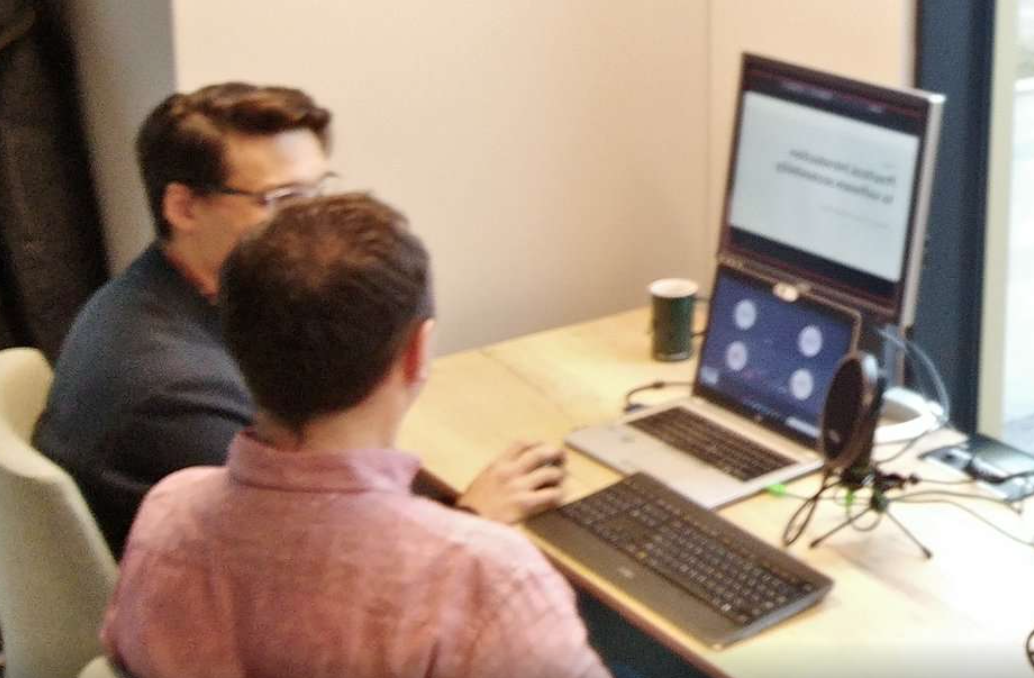


Training Agenda
- How (in)accessible can your documentation be? (2h)
- What challenges do people with disabilities face when using technical documentation?
- How does a person with visual impairment use documentation? - demo
- How can lack of accessibility affect the reception of your content?
- How does accessibility (or lack thereof) translate into customer satisfaction?
- What are the legal requirements for digital accessibility of documents?
- Accessibility problems in HTML documents (3h)
- Images, headers and page structure, links and buttons
- Drop-down menus, modal windows, keyboard traps
- Forms, font, contrast
- Audio and video
- Tables and charts
- Document language, HTML code correctness
- Examples of solutions to the most common accessibility problems - demo
- How to test accessibility of HTML documents by yourself?
- Accessibility problems in MS Office documents (3h)
- Word
- Excel
- PowerPoint
- Examples of solutions to the most common accessibility problems - demo
- How to test accessibility of Office documents by yourself?
- Accessibility problems in PDF documents (2h)
- Sections, columns, headers and footers
- Images and links
- Alignment, font, contrast
- Tables and charts
- Document scans
- Document language
- Examples of solutions to the most common accessibility problems - demo
- How to test accessibility of PDF documents by yourself?
Meet our trainers
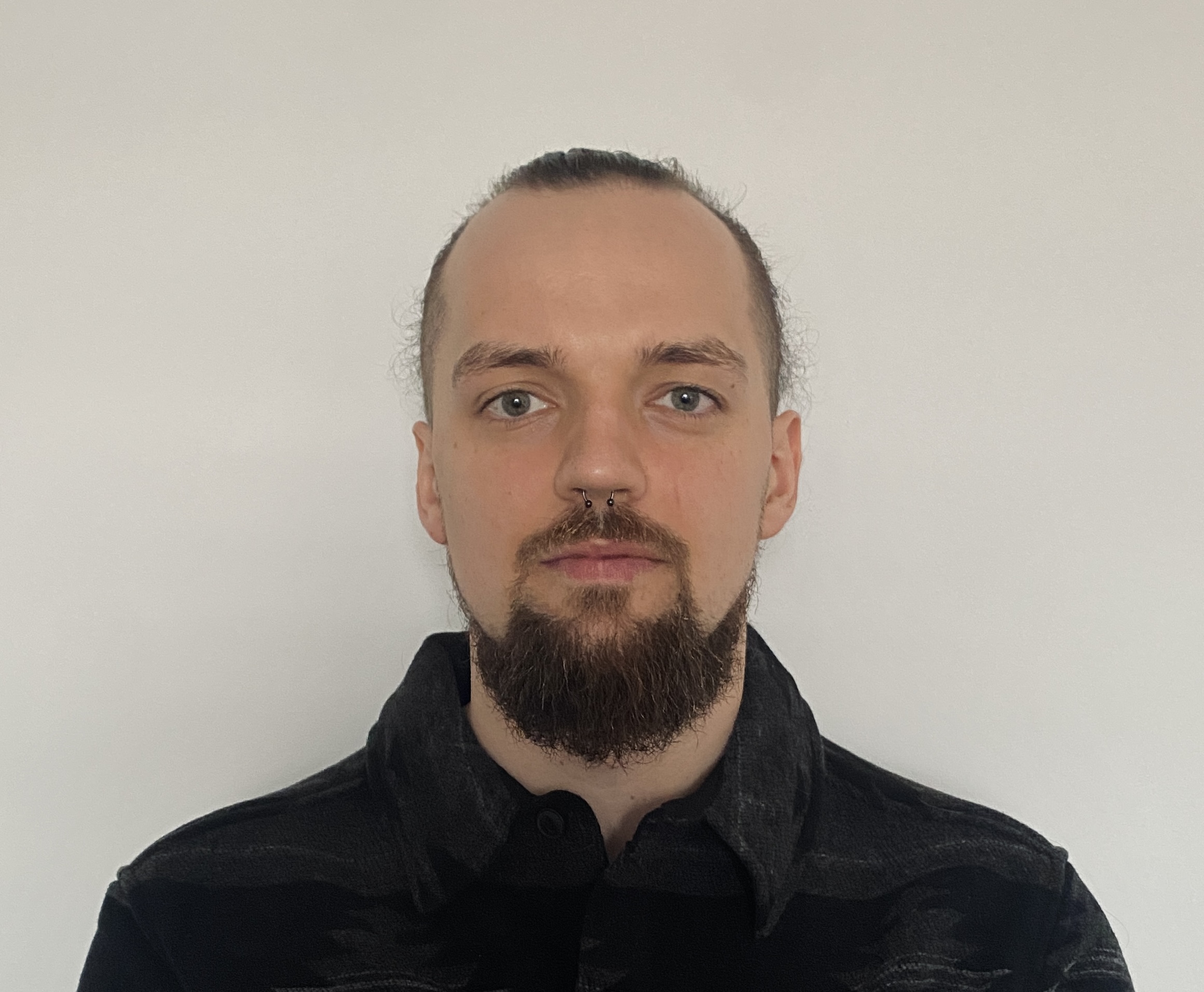
Krzysztof Suder
UX specialist, consultant, tester and auditor of web and mobile application accessibility. Specialist in WCAG compliance. Certified DHS Trusted Tester.
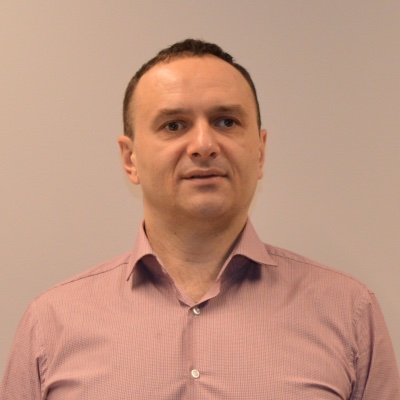
Dawid Górny
Accessibility tester and consultant, ambassador for people with disabilities. For over twenty years, he has been using assistive technologies at work and in everyday life. He is active in non-governmental organisations and is passionate about accessibility in culture and art. IAAP Certified Professional in Accessibility Core Competencies (CPACC).
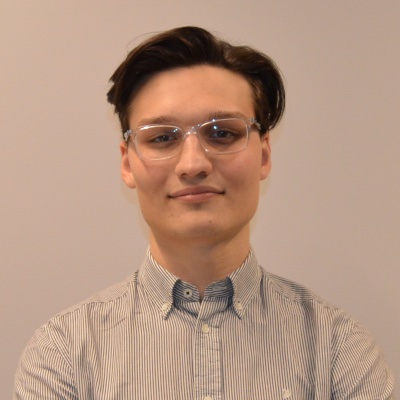
Kacper Mikocki
Training designer, consultant, tester and auditor of web and mobile application accessibility. User interface developer and website administrator. WCAG compliance specialist. Certified IAAP Web Accessibility Specialist (WAS).
Sign up for the training!
Accessible Documentation
Price: 1800 PLN net
16-17th June 2026, online
Participation in a ten-hour training
Personalised certificate
If you have any questions about the training, write to contact@accens.io or call: 12 347 07 18
This is not for you?
Check out our full range of training courses. Perhaps another one will better meet your needs?